App releases & early access

See what’s ready. Help shape what’s next.

Find released apps and see which products are preparing for testing. When a test is available, your everyday experience can help make the next release easier to use.

GOOGLE PLAY · ANDROID

2 apps on this track

Updated 11 September 2026
RiceFarm AI app icon

Rice farm management · irrigated + upland

RiceFarm AI

Pending publication

A practical Android workspace for rice farm managers to organize fields, growing stages, crop evidence, water conditions, farm inputs, and financial performance.

One season. Every field decision in view.

RiceFarm AI is being prepared for rice—both irrigated and upland systems. It is designed to help farm managers review work across multiple locations and growth stages without turning field confirmation into a burden. Records are organized around the farm, field, crop cycle, and the person responsible for the next decision.

Field and crop logs

Keep rice crop, leaf, pest, and disease photos with stage-aware observations for each field and location.

LCC and fertilizer review

Estimate a rice-leaf color band from a photo, review the result, and calculate an explainable fertilizer quantity. Physical LCC confirmation remains optional.

Weather and water context

Bring local rain forecasts together with irrigation, drought, rainfall, and field-water logs before timing weather-sensitive work.

Receipts and input allocation

Capture fertilizer or crop-protection receipts, review extracted details, and assign purchases across locations, cycles, and growing stages.

Farm financials

Track costs, income, forecast revenue, and operational profitability by farm context—not as a banking or investment service.

Private by default

User photos are kept in encrypted on-device storage. Any social sharing starts with the user and uses the Android share sheet; nothing posts automatically.

Earlier app preview.

Historical development screenshots. These are not images or verification of the current internal-testing build. Public downloads and pre-registration are not open yet.

RiceFarm AI Android sign-in screen
Secure account access with email or Google sign-in.
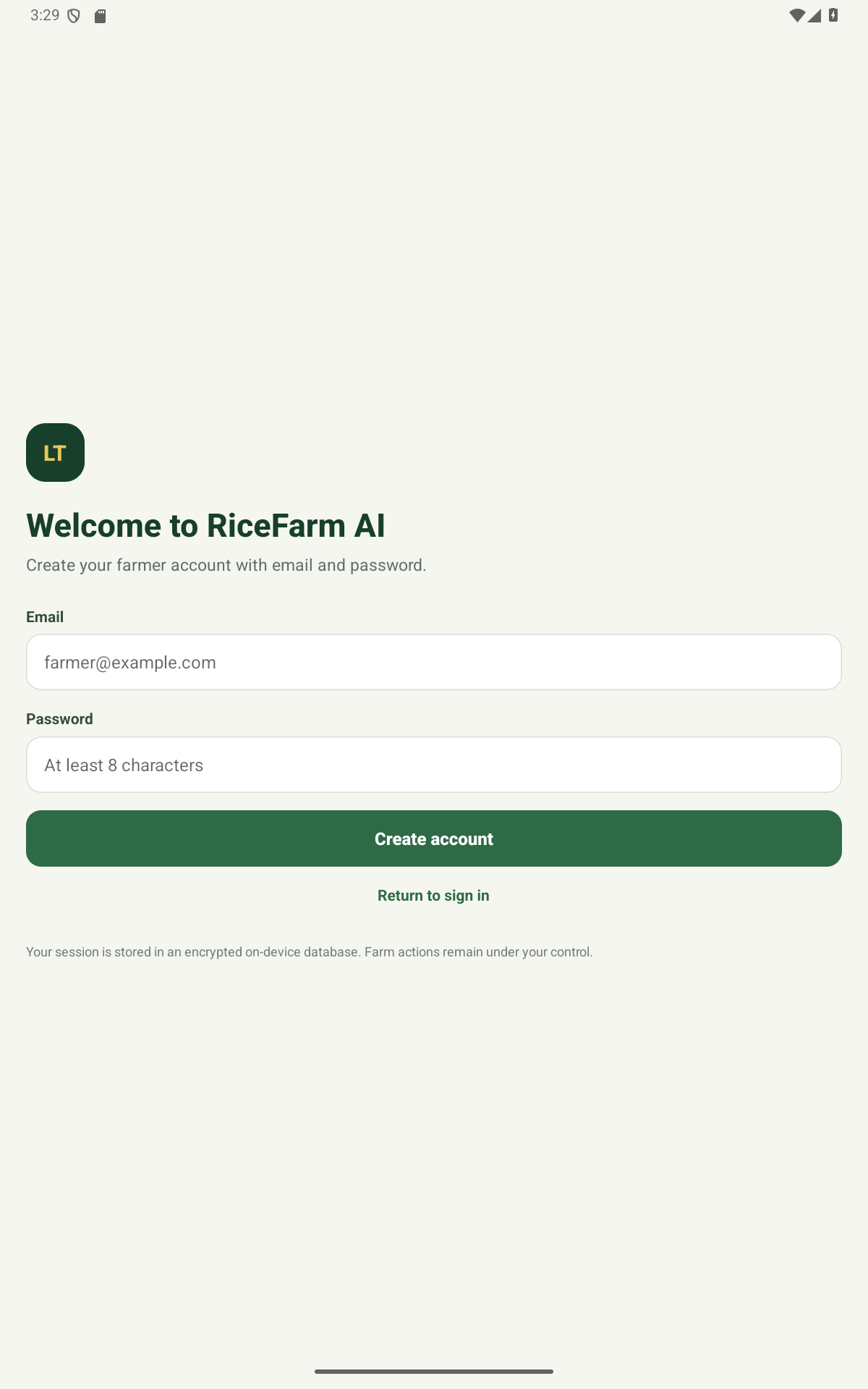
RiceFarm AI Android farmer account creation screen
A focused farmer account setup with on-device security messaging.

Not available yet

Public testing is not open. RiceFarm AI is being prepared through invitation-only internal testing. The closed-test opt-in address does not currently provide a public download. Check the product overview for future announcements.

Follow launch updates

Help us find the friction before release.

  • Sign in, account creation, and recovery clarity
  • Small phone, large phone, and tablet layout
  • Irrigated and upland rice field setup
  • Long text, text scaling, and screen-reader usability
  • Offline, slow-network, permission-denial, and recovery behavior
  • Anything confusing, clipped, slow, or unexpectedly unavailable
Anti-Scam Circle app icon

AI scam checker for individuals and families

Anti-Scam Circle

Available

An AI scam checker for suspicious texts, emails, chat messages, and screenshots. Protect yourself and help the people you love understand possible phishing, impersonation, and payment-scam warning signs before anyone replies, clicks, pays, or shares personal information.

AI scam checks for you and the people you trust.

A parcel text that feels wrong. A message claiming to be from a bank. An urgent request to send money. Anti-Scam Circle helps adults and families pause, check the message, and understand what to verify next. Built by Limocon Tech for everyday use, it gives adult children, parents, caregivers, and retirees a shared starting point for safer conversations—without monitoring anyone’s inbox. AI can make mistakes; a result is guidance, never a guarantee that a message is safe.

Check text or a screenshot

Copy a suspicious message, paste or type it, share selected content through Android’s Share menu, or choose a screenshot. You decide what to submit for a check.

Understand the warning signs

Get a plain-language explanation of possible scam tactics and practical next steps. Verify important claims through an official contact you find independently.

A focused first check

The welcome screen explains the app and its privacy boundary. The check flow then keeps the next action clear, without sending you through a redundant walkthrough.

Bring your Circle together

Solo includes 200 checks each month for one person. Family of 4 includes 500 shared checks each month, and Family of 8 includes 1,200 shared checks each month. The subscriber manages family invitations.

You stay in control

Anti-Scam Circle does not automatically read your SMS, email inbox, contacts, or other apps. Selected content goes to Google Gemini only when you choose to check it. Review the processing notice and remove unnecessary sensitive details first.

Help for everyday use

Clear action buttons, in-app Help, and accessibility guidance make it easier to get started. Anti-Scam Circle supports your judgment; it does not block calls, stop payments, or catch every scam.

From your first welcome to your first check.

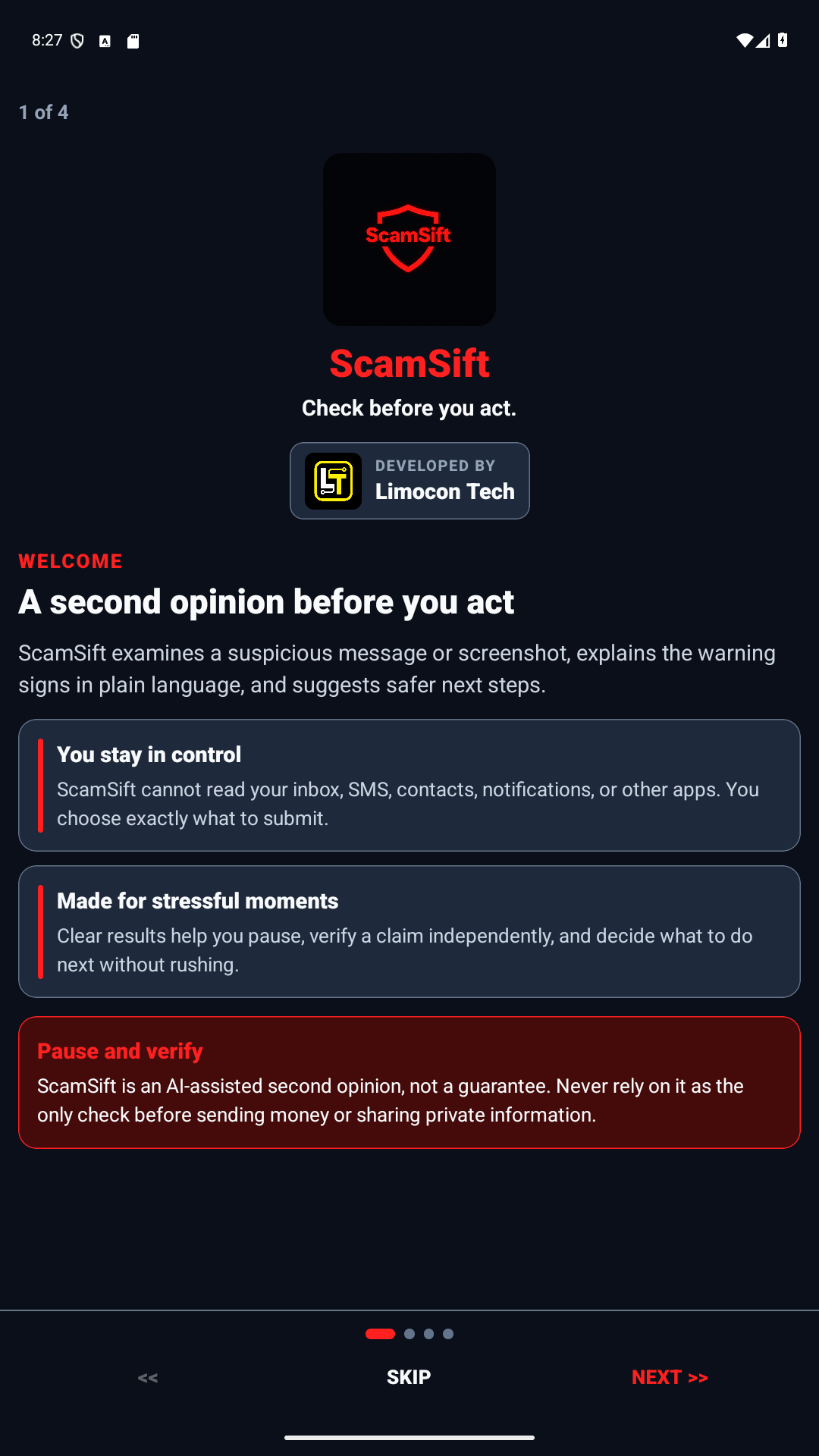
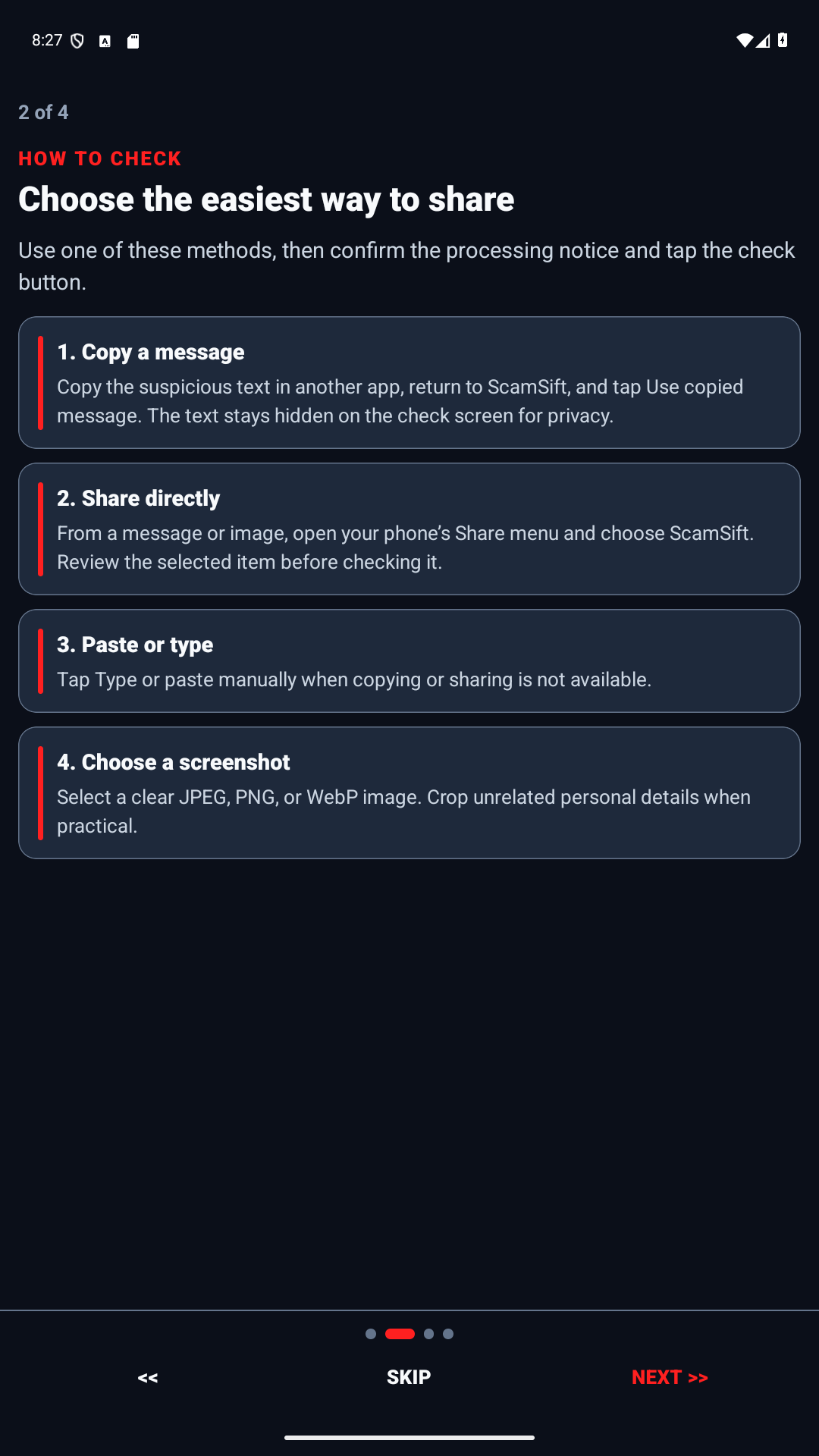
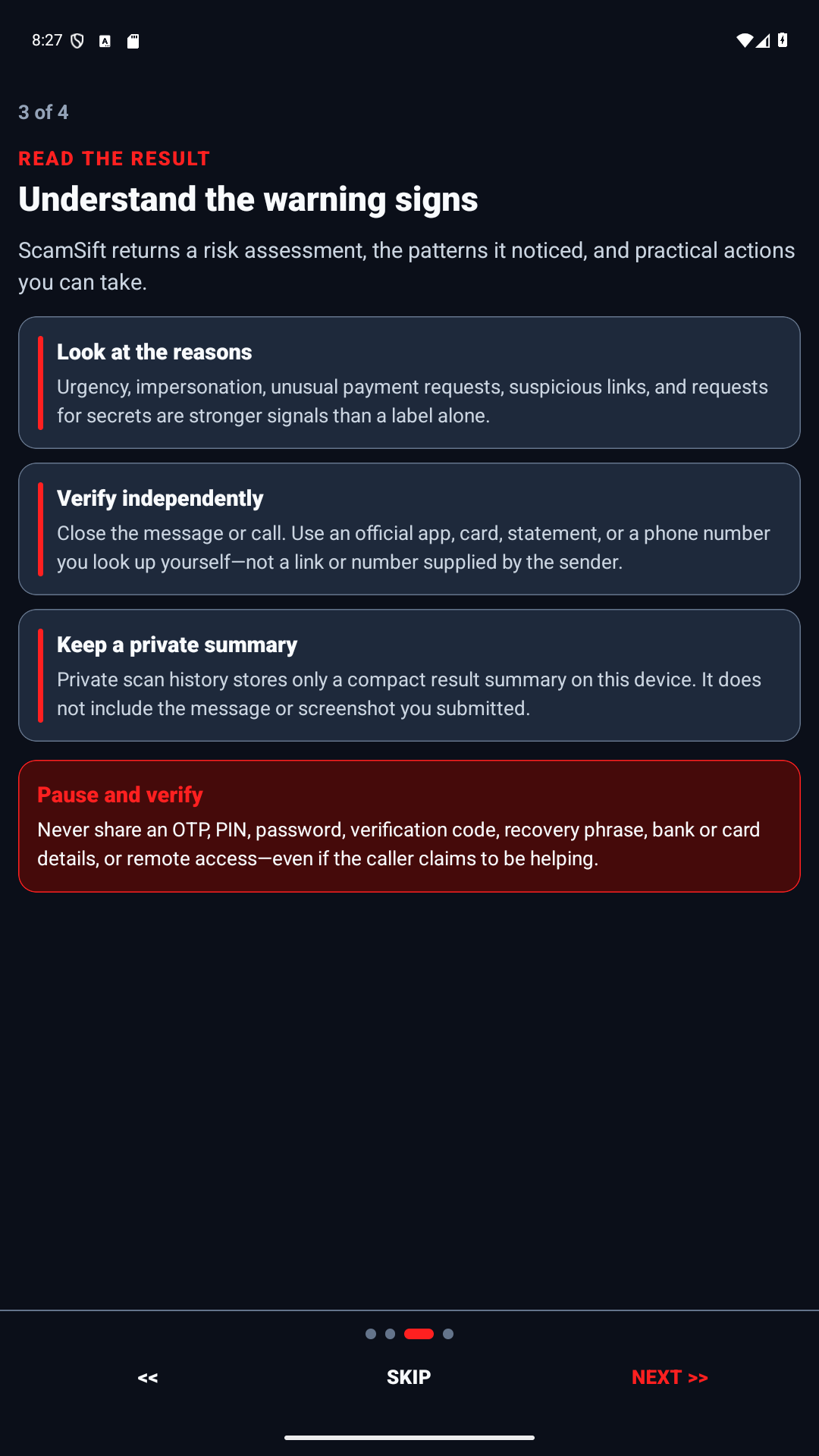
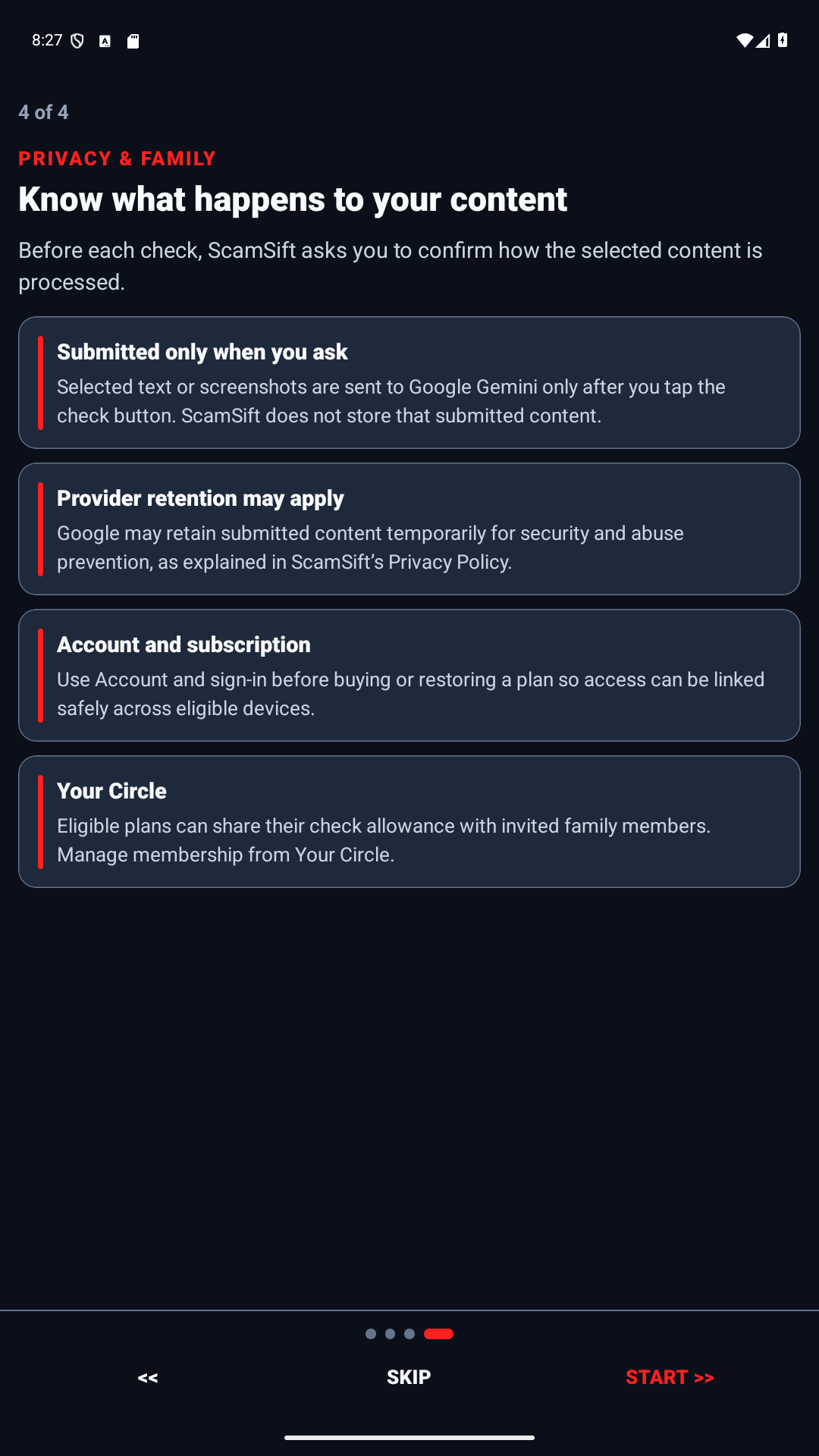
Historical Android screenshots from the earlier ScamSift release. They retain the previous name and are not evidence of the upcoming renamed release. Open any screenshot to see it full size.

Historical ScamSift build 11 welcome screen with the red shield logo, Limocon Tech branding, and an introduction to checking suspicious messages
01 · Earlier welcome screen. Learn what the app can—and cannot—do.
Historical ScamSift build 11 screen with copy, share, paste, and screenshot check methods
02 · Choose a check method. Review the text or screenshot you choose before analysis.
Historical ScamSift build 11 screen explaining common scam warning signs
03 · Learn the signs. Use practical advice before you reply, click, or pay.
Historical ScamSift build 11 screen explaining private checks and family protection
04 · Protect yourself or people you love. Choose Solo or a shared Family plan.
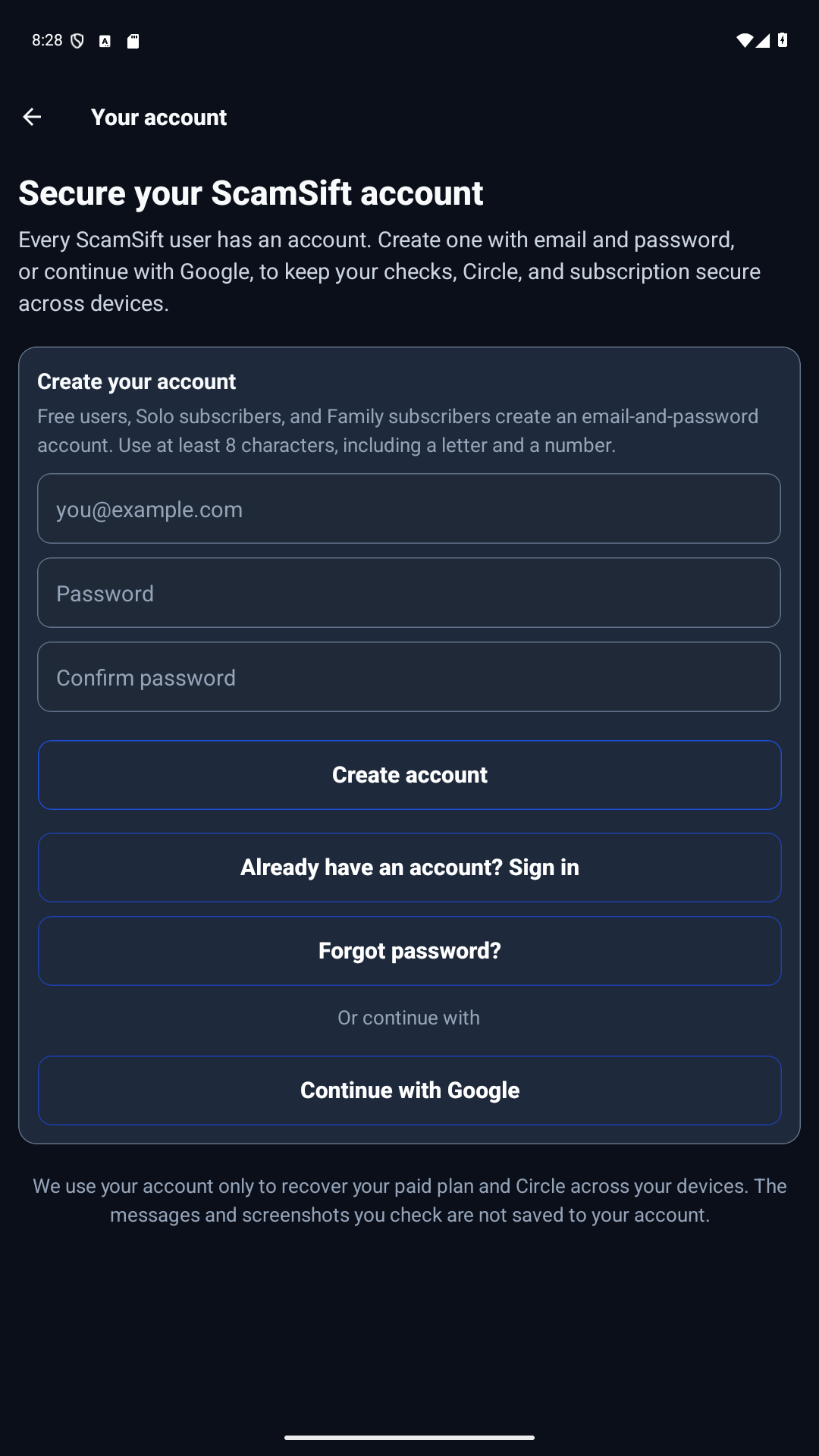
Historical ScamSift build 11 account screen with email and Google sign-in choices
05 · Your account. Use email and password or continue securely with Google.
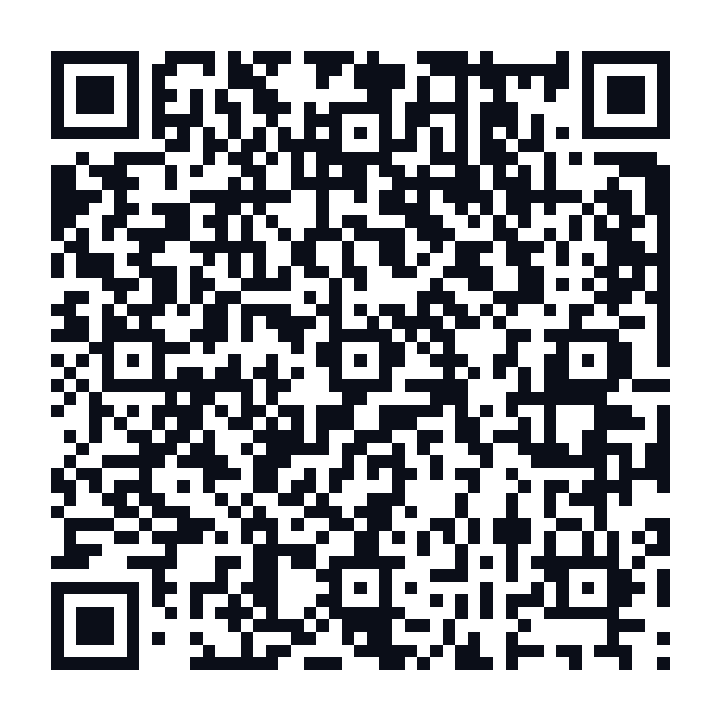
QR code to join the Anti-Scam Circle Google Play testScan with your Android phone

INSTALL IN THREE STEPS

  1. Join. Scan the QR code or open the tester link.
  2. Opt in. Use the Google account associated with your Play Store.
  3. Install. Return to Google Play and download the test build.
Install from the same official Google Play listing. The listing and installed app may still show the previous name, ScamSift, during the rename.

Help us find the friction before release.

  • Welcome and first-check clarity
  • Copy, paste, Android sharing, and screenshot selection
  • Clear warning signs and useful next steps—use sample messages without private details
  • Sign-in, Circle invitations, and subscription price visibility
  • Small screens, large text, screen readers, and easy-to-find buttons
  • Slow connections, permission denial, confusing results, or anything that gets stuck
AndroidVersion See the installed version in Google PlayGet support

TESTER SUPPORT

Can’t open the test?

Make sure Google Play is using the same Google account that joined the test. If access still fails, send the app name and a screenshot to support@limocontech.com.